
LG TV Says No Signal on HDMI
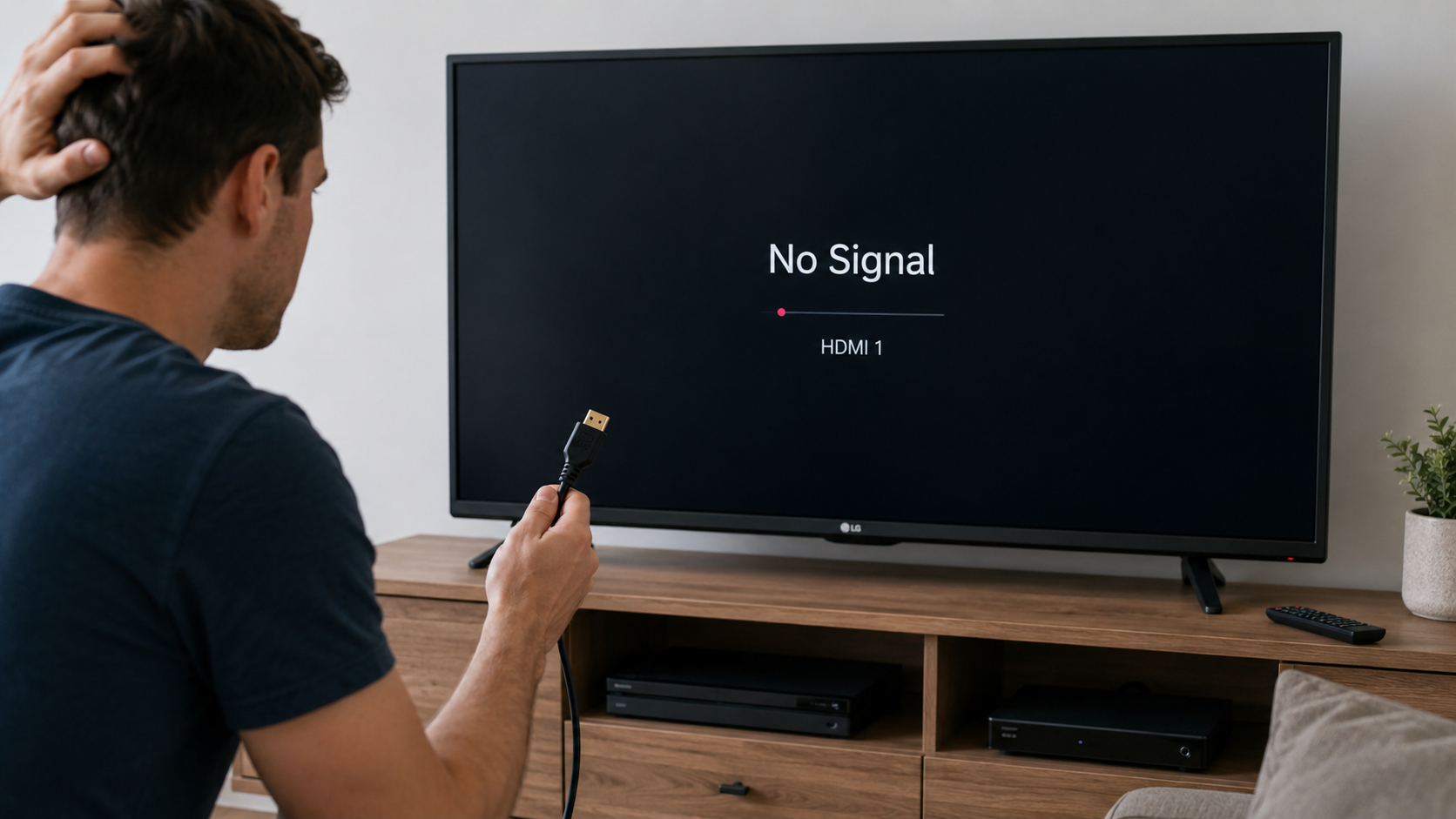
If your LG TV says “No Signal” on an HDMI input, the TV is not detecting a usable video signal from the connected device. This is usually caused by the wrong input being selected, a loose HDMI cable, a frozen source device, an HDMI handshake problem, a bad HDMI cable, or a device output setting the TV cannot display.
Recommended troubleshooting accessories
If your issue involves failing cables, adapters, power delivery, or AV accessories, this Amazon search may help you find compatible troubleshooting equipment.
As an Amazon Associate, AV Knowledge may earn from qualifying purchases.The Issue
If your LG TV says “No Signal” on an HDMI input, the TV is not detecting a usable video signal from the connected device. This is usually caused by the wrong input being selected, a loose HDMI cable, a frozen source device, an HDMI handshake problem, a bad HDMI cable, or a device output setting the TV cannot display.
Common Symptoms
- The LG TV displays “No Signal”
- The screen is black when using HDMI
- A cable box, PlayStation, Xbox, Roku, Apple TV, Fire TV, Blu-ray player, or laptop does not appear
- The HDMI device worked before but suddenly stopped
- One HDMI port works but another does not
- The device appears in the input list but shows no picture
Equipment Involved
Possible Causes
- The TV is on the wrong HDMI input
- The HDMI cable is loose or damaged
- The connected device is off, asleep, frozen, or stuck during startup
- The HDMI handshake failed between the TV and the source device
- The source device is outputting an unsupported resolution or refresh rate
- The HDMI port, cable, AV receiver, soundbar, or switch is causing signal loss
- HDMI Deep Color or enhanced HDMI settings are incompatible with the device
- The TV or source device needs a software update or restart
Steps to Resolve
Step 1
Make sure the LG TV Is on the correct input. Press the Input, Source, or Home button on your LG remote and select the HDMI port your device is plugged into.
Step 2
Reseat the HDMI cable. A slightly loose HDMI connection can be enough to make the TV show “No Signal.”
Step 3
Power cycle the TV and source device. An HDMI handshake problem can happen when the TV and device fail to properly recognize each other. A full power cycle often fixes this.
Step 4
Try a Different HDMI Port
Step 5
Try a Different HDMI Cable
Step 6
Connect the source device directly to the LG TV with one HDMI cable.
Step 7
If the HDMI problem continues, check for software updates on both the LG TV and the connected device.
Step 8
If only one device has the problem, restart or reset that device.
Step 9
If only one HDMI port is bad, you may be able to keep using another port. If all HDMI ports fail with multiple devices and cables, the TV may need service.
Prevention
An LG TV usually says “No Signal” on HDMI because the TV is on the wrong input, the HDMI cable is loose, the source device is not sending video, or the HDMI handshake failed. The fastest fix is to select the correct HDMI input, unplug the TV and source device, reconnect the HDMI cable firmly, then restart both devices.
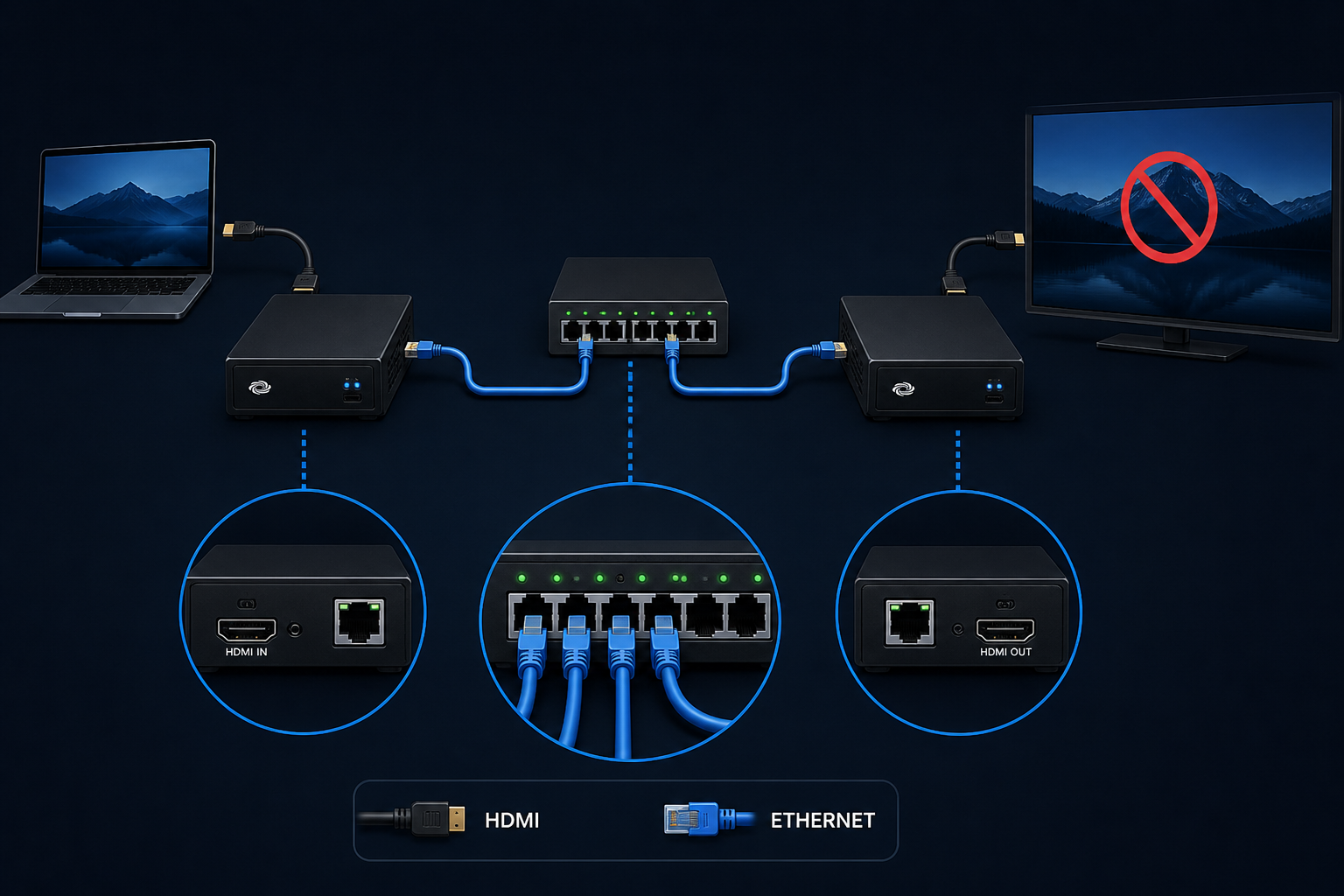
If that does not work, test another HDMI port, another HDMI cable, and connect the source device directly to the TV without a receiver, soundbar, switch, or splitter in between.
Notes / Warnings
Test multiple devices and multiple HDMI cables. If every HDMI port fails with known-working devices and cables, the TV may have a software issue or a hardware problem that requires service.
Still need help?
Ask a Query in the Community and include your equipment, symptoms, and what you have already tried.

Comments (0)
Log in to join the discussion.
Log inNo comments yet. Be the first to start the discussion.