Knowledge Base
Knowledge Base Articles
Master your AV setup with our comprehensive guides, from basic troubleshooting to advanced audio configurations.
 Latest
Audio • 2 min read
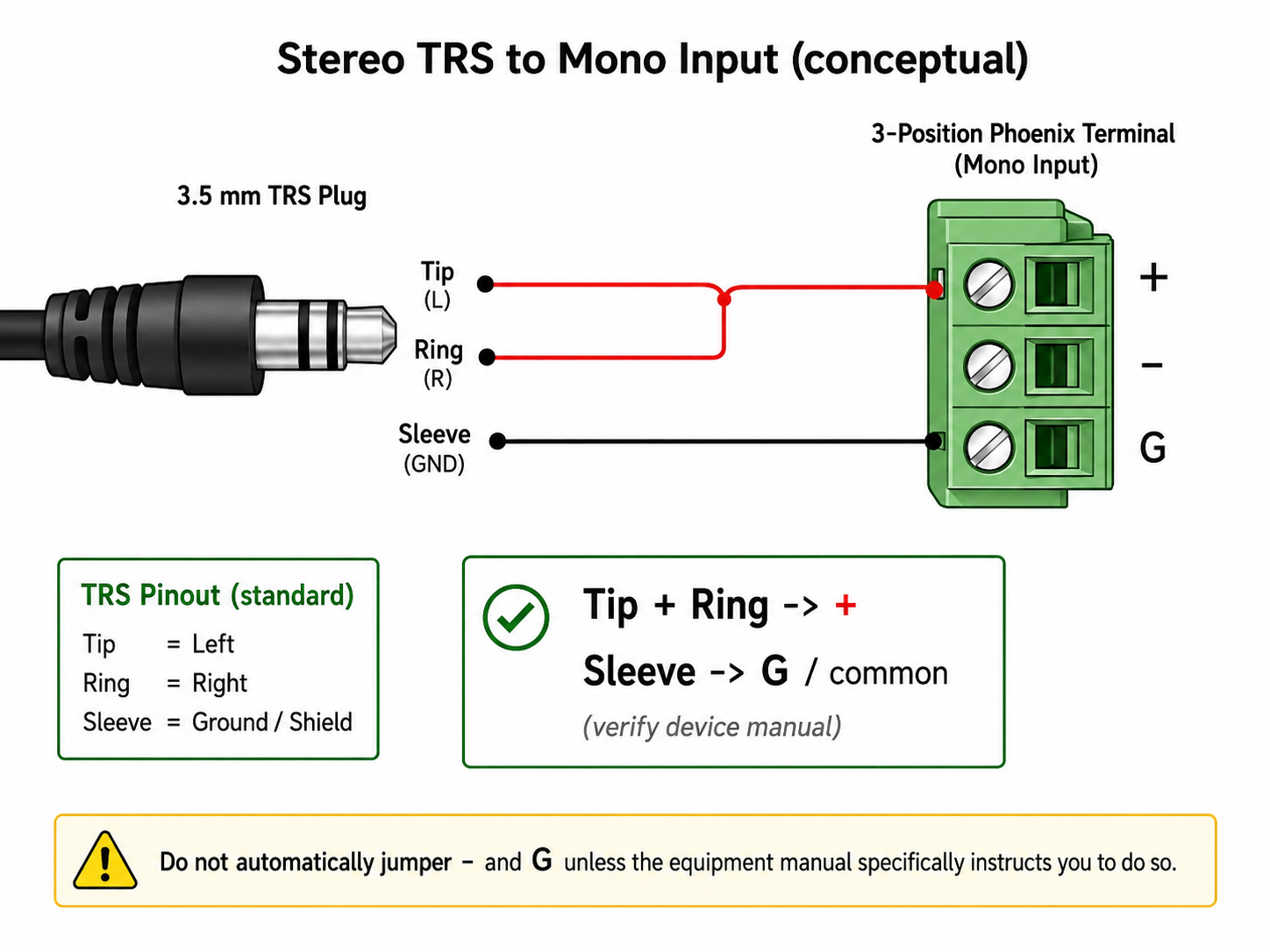
How to Wire A TRS Audio Cable to a Mono Input
A TRS audio cable uses three conductors: tip , ring , and sleeve . In many audio systems, the tip carries the left audio signal, the ring carries the right audio signal, and the sleeve acts as ground or shield. If you need to feed a stereo TRS cable into a mono input, you may see instructions that say “tip and ring to positive.” This usually means the left and right audio signals are being combined into one mono feed.
Security • 1 min read
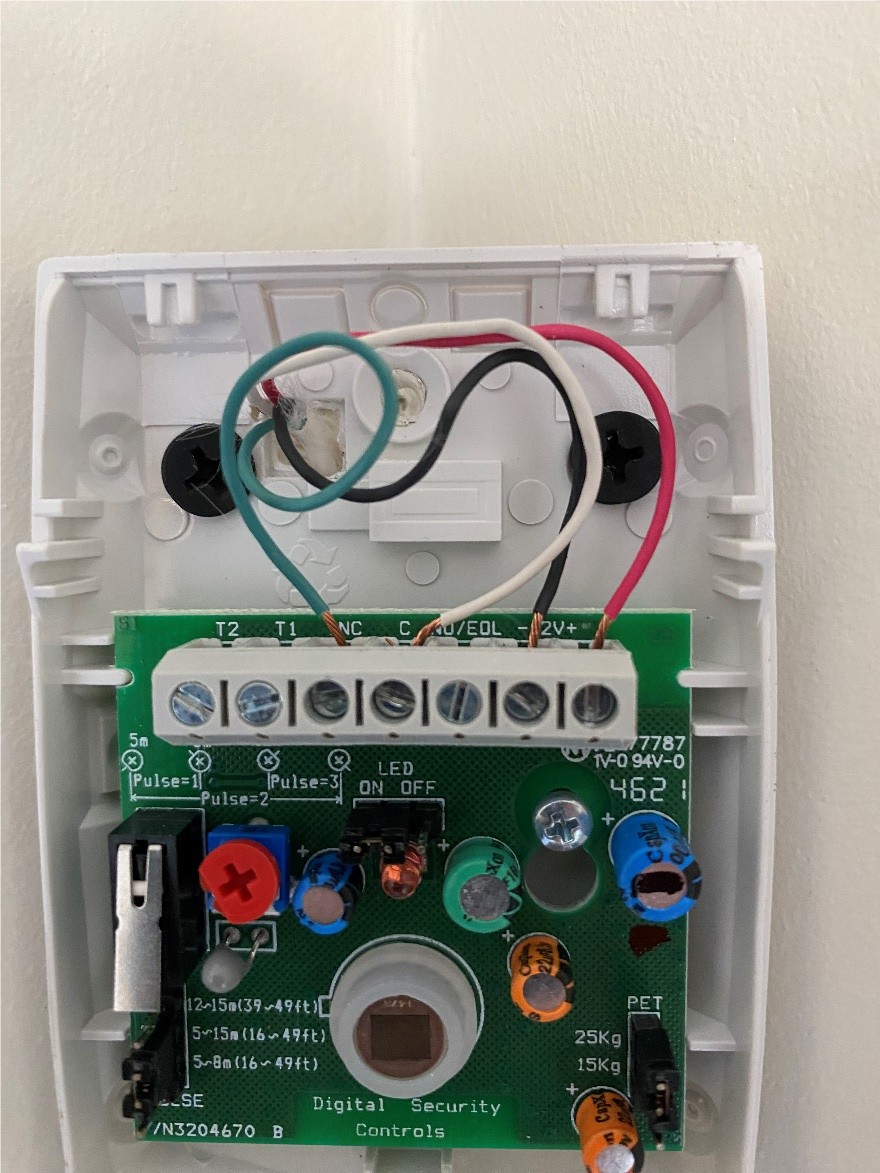
Installing DSC Motion Sensors
Basic instructions on how to install a DSC motion sensor such as the LC-100-PI
Troubleshooting • 1 min read
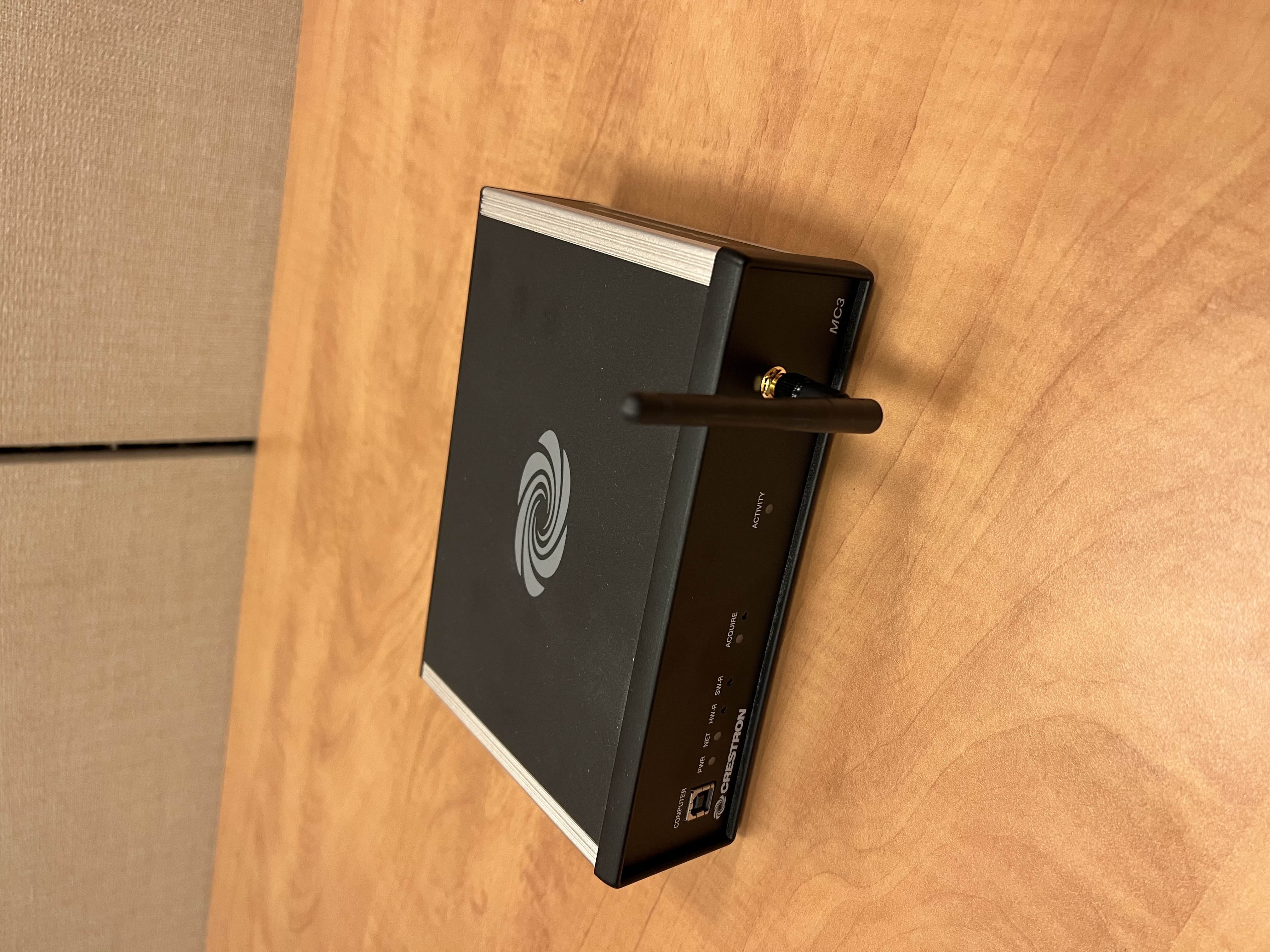
No Original SIMPL Source Code? How to Recover Future Access
This article will explain the process of embedding SIMPL programs in the compiled .lpz of the code you upload to the processor.
Home Theater • 3 min read
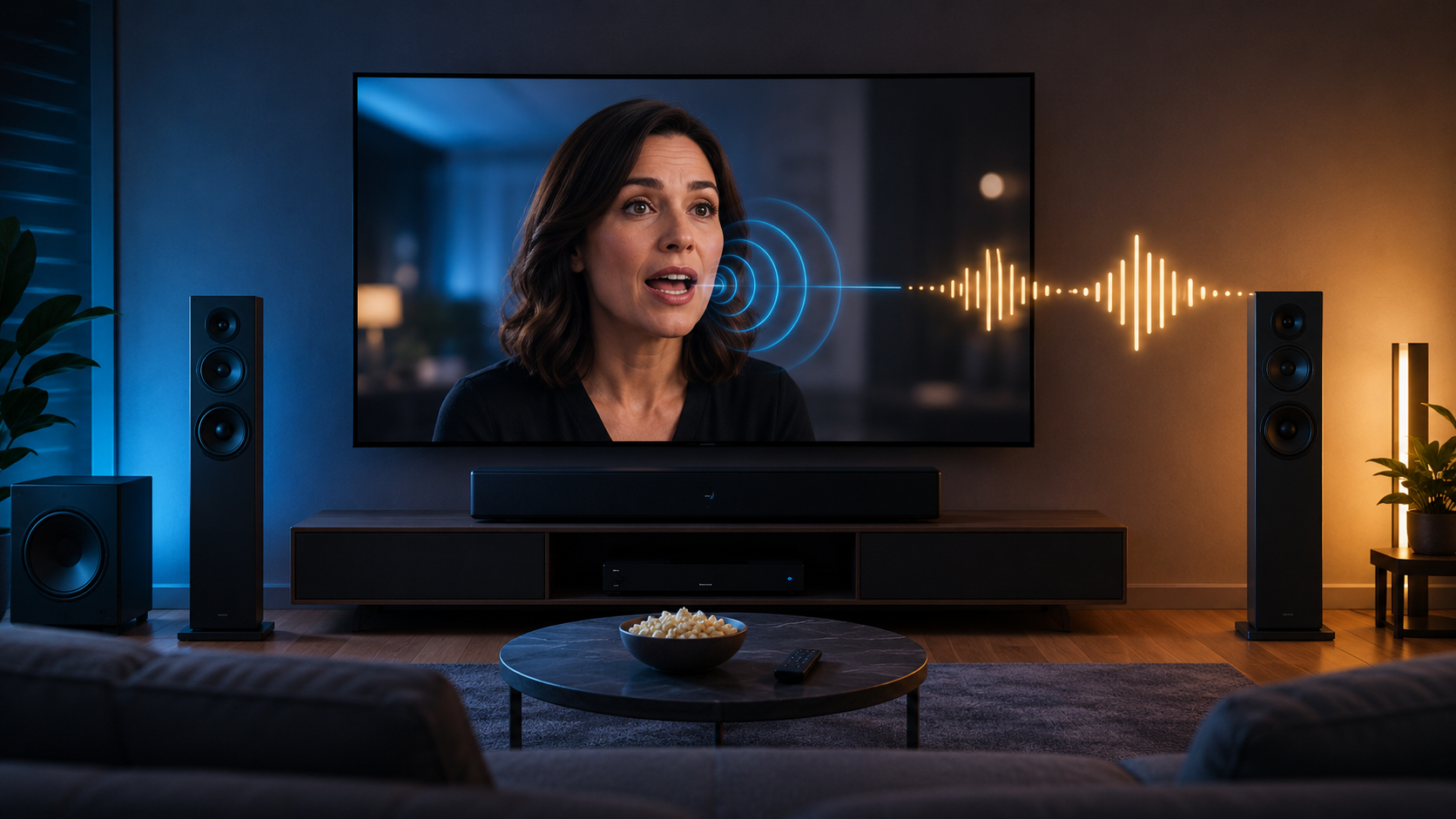
Home Audio is Out of Sync With Video
This issue occurs when the audio and video are out of sync in a home theater setup.
Projectors • 3 min read
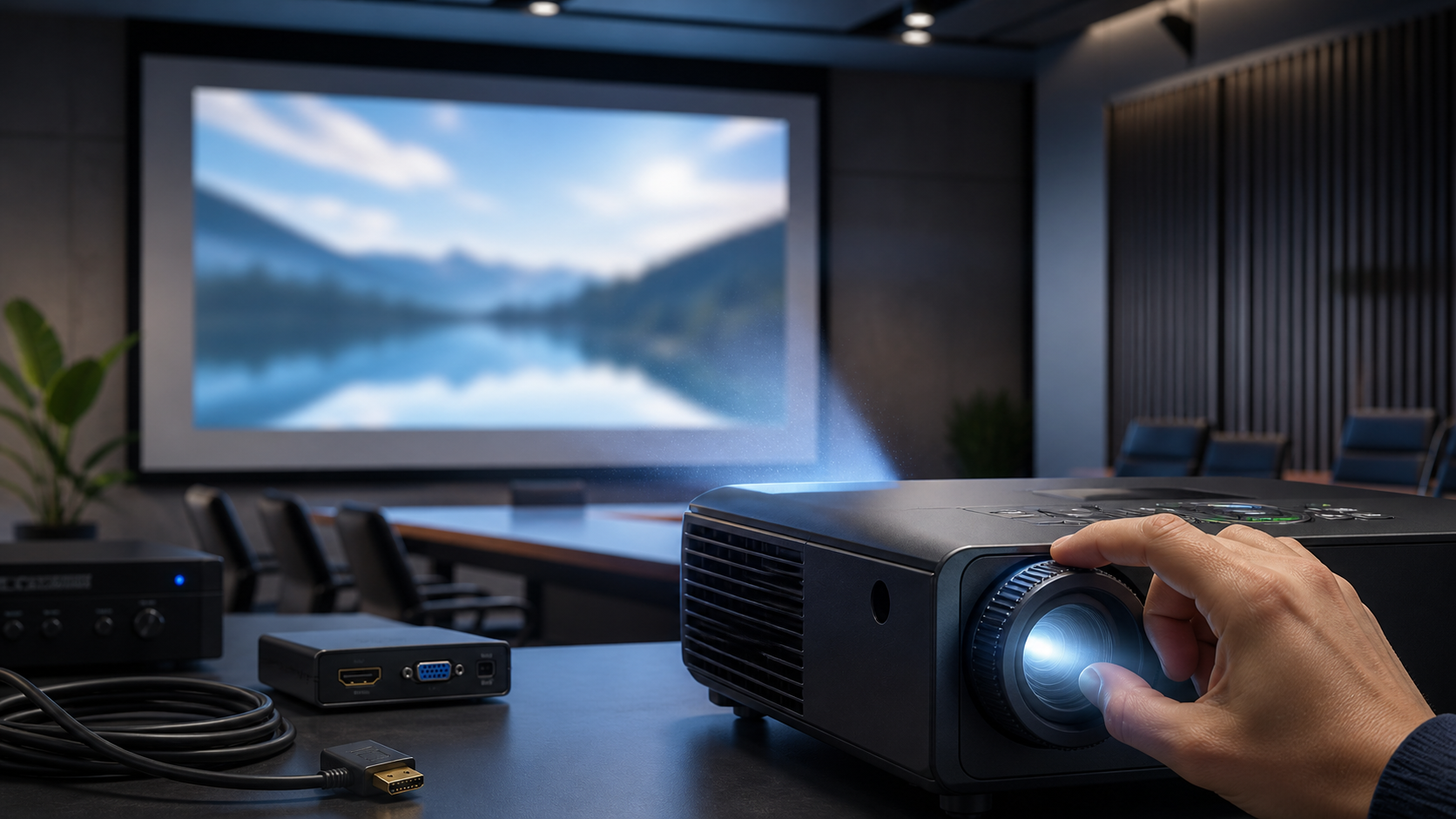
Projector Shows Image but Looks Blurry or Out of Focus
The projector powers on and displays an image, but the picture appears blurry, soft, or unevenly focused. Text may be difficult to read, edges may look fuzzy, or only part of the image may appear sharp. This is commonly caused by lens focus, incorrect throw distance, dirty optics, keystone distortion, low source resolution, or projector alignment issues.
Audio • 2 min read
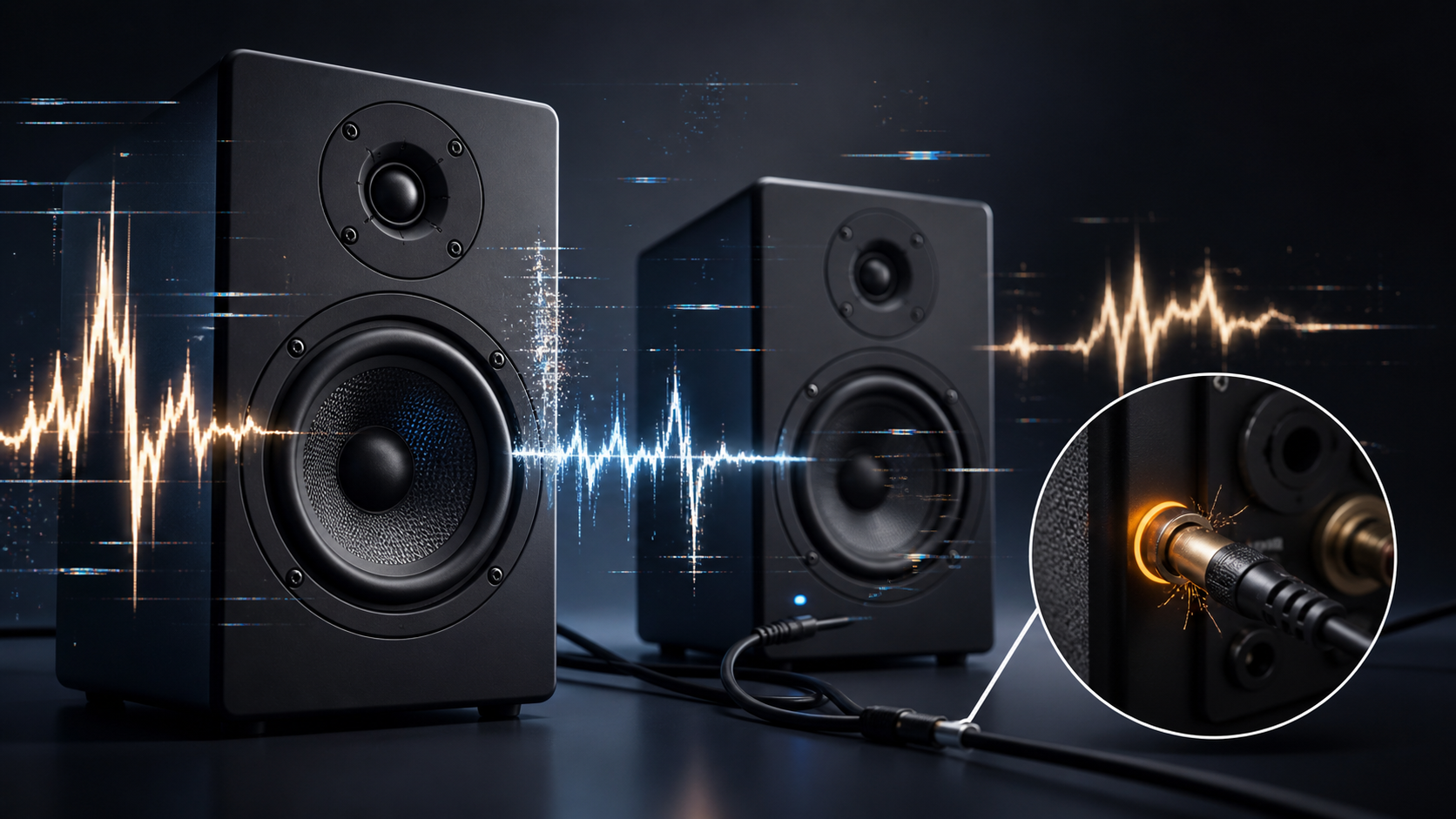
Why Your Speakers Crackle, Pop, or Cut Out — and How to Fix It
Speaker crackling, popping, or random audio dropouts are usually caused by loose connections, damaged cables, incorrect gain settings, wireless interference, or failing speaker components. This guide walks through the most common causes and how to troubleshoot them step by step.
Video • 2 min read
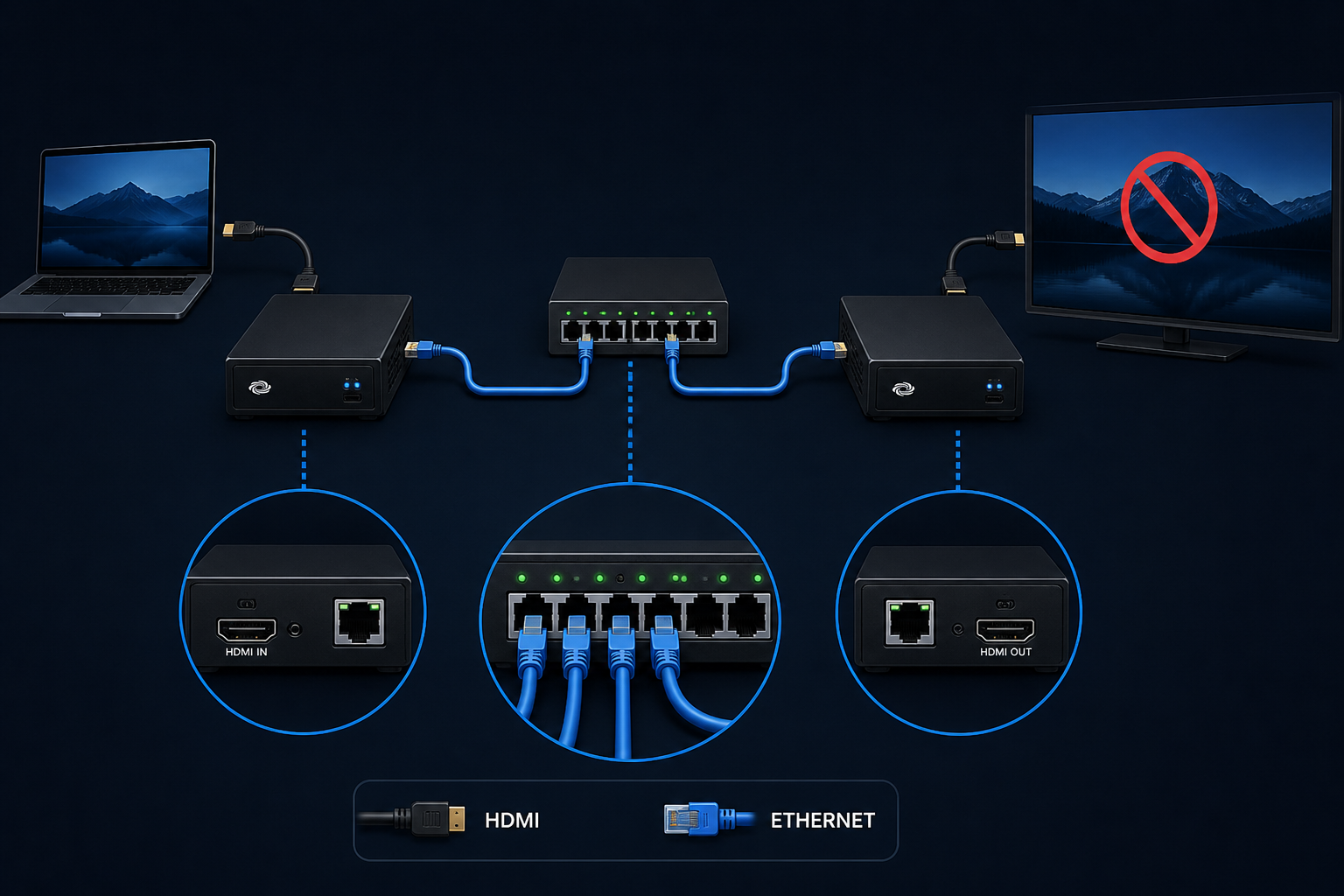
Resolving “No Signal” on Crestron DM-NVX
A display connected through a Crestron DM-NVX system shows “No Signal” even though the source device is powered on. This can happen when the transmitter and receiver are not communicating correctly, the wrong input or output is selected, network connectivity is interrupted, HDCP/EDID negotiation fails, or the display/source device is using an unsupported resolution or refresh rate.