
Why Your Speakers Crackle, Pop, or Cut Out — and How to Fix It
Speaker crackling, popping, or random audio dropouts are usually caused by loose connections, damaged cables, incorrect gain settings, wireless interference, or failing speaker components. This guide walks through the most common causes and how to troubleshoot them step by step.
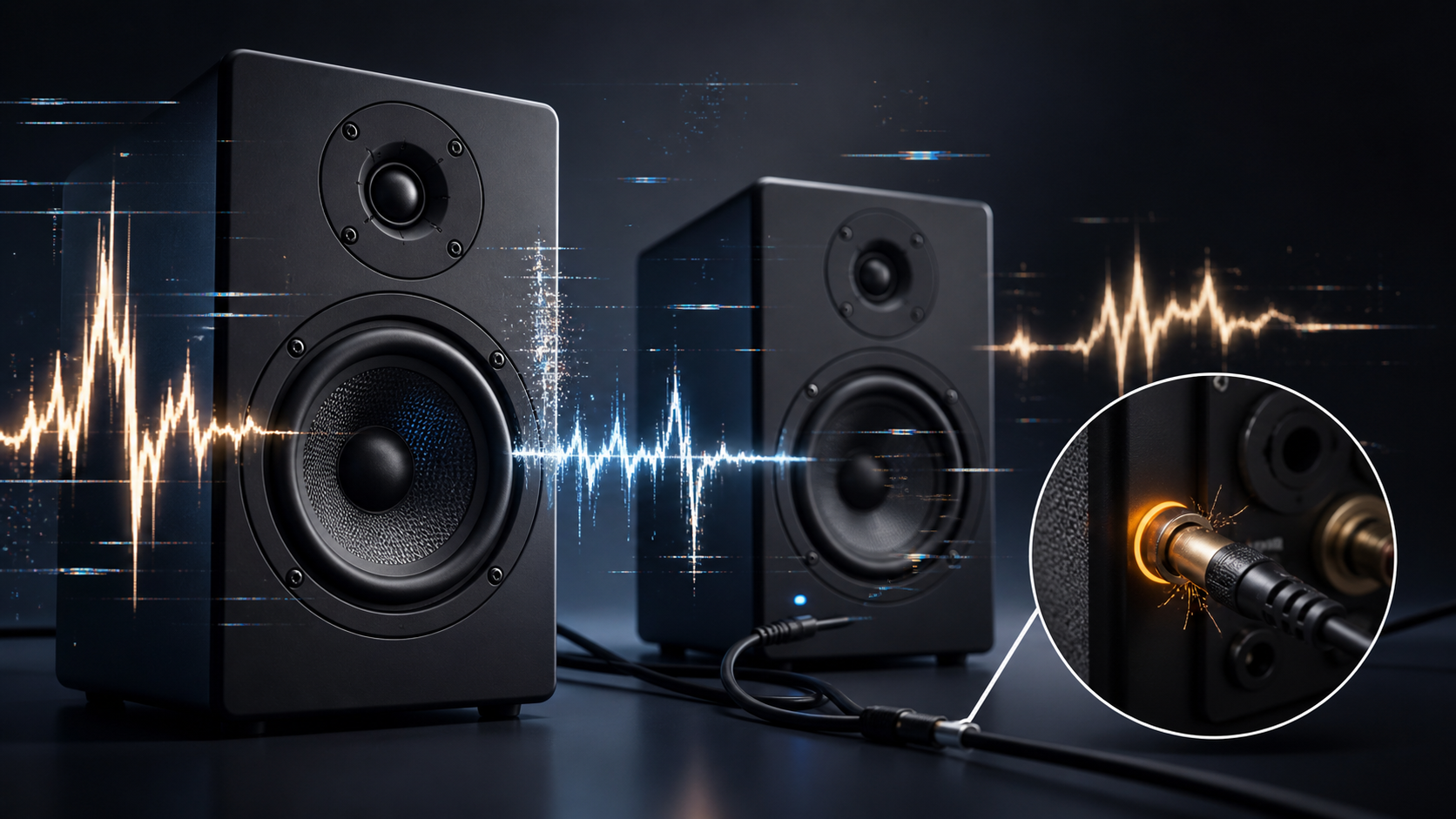
Recommended troubleshooting accessories
If your issue involves failing cables, adapters, power delivery, or AV accessories, this Amazon search may help you find compatible troubleshooting equipment.
As an Amazon Associate, AV Knowledge may earn from qualifying purchases.The Issue
Speaker crackling, popping, or random audio dropouts are usually caused by loose connections, damaged cables, incorrect gain settings, wireless interference, or failing speaker components. This guide walks through the most common causes and how to troubleshoot them step by step.
Steps to Resolve
Step 1
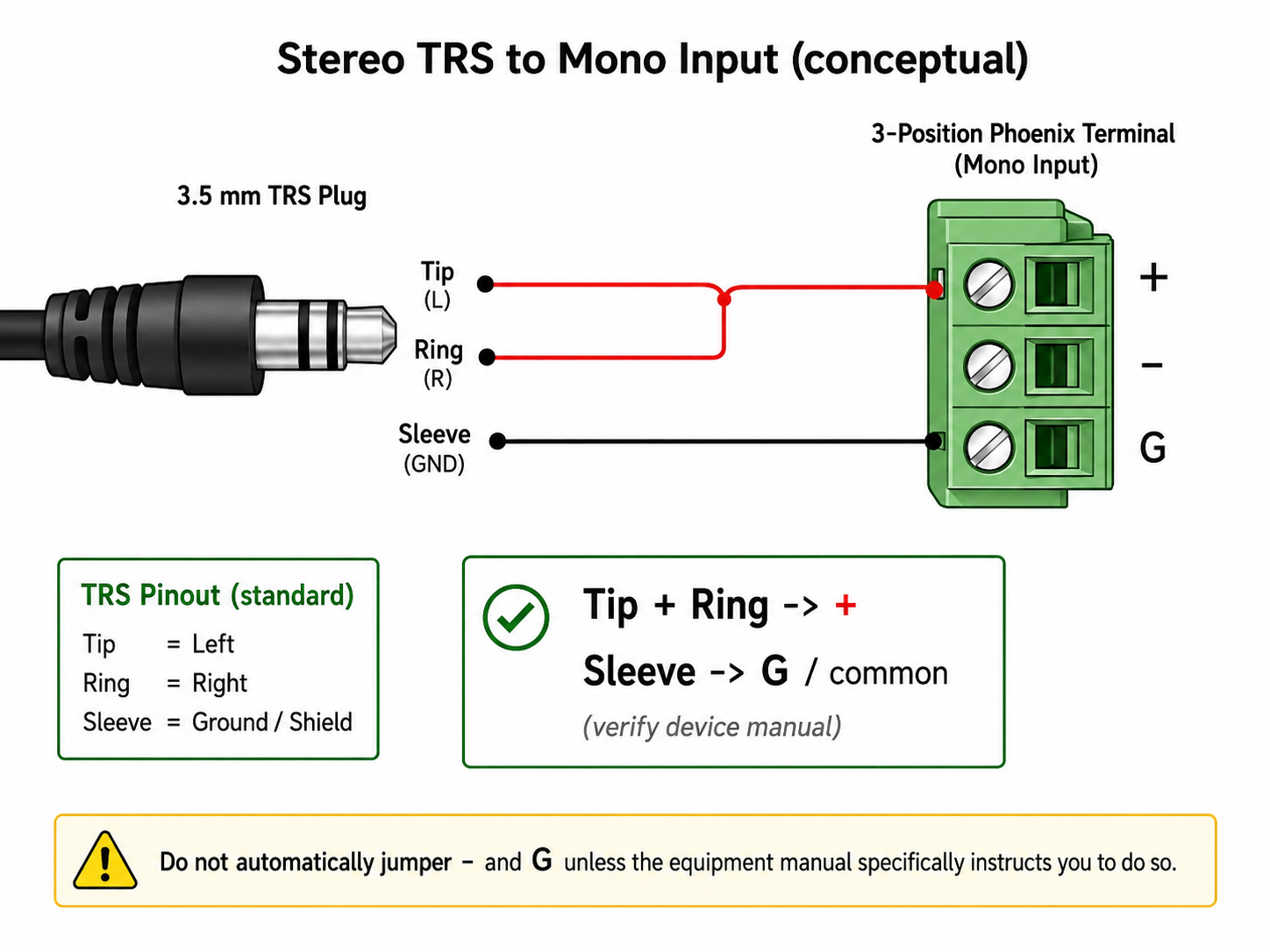
Check the Speaker Cable
Step 2
Swap the cable with a known working cable. If the crackling disappears, replace the bad cable.
Step 3
Swap Left and Right Speakers
Step 4
If the problem stays on the same side, the issue is probably with the amplifier, receiver, audio source, or cable.
Step 5
Lower the Volume and Gain
Step 6
A clean audio signal usually comes from balanced gain staging, not simply turning everything all the way up.
Step 7
Inspect the Audio Source
Step 8
If the speaker sounds clean with another device, the original source may have a bad output jack, software issue, driver problem, or incorrect audio setting.
Step 9
Check for Bluetooth or Wireless Interference
Step 10
If wired audio works perfectly but wireless audio cuts out, the issue is probably wireless-related.
Step 11
Look for Power Problems
Step 12
If you hear a low hum, especially from powered speakers or subwoofers, a ground loop may be the cause.
Step 13
Check the Speaker Itself
Step 14
If the same speaker crackles on multiple systems, it may need repair or replacement.
Step 15
Check the Amplifier or Receiver
Step 16
Make sure the receiver has proper ventilation. Overheating can cause protection circuits to trigger or audio to drop out.
Step 17
Clean Dirty Volume Knobs and Jacks
Step 18
If the sound crackles only when adjusting a knob, the control may need cleaning or service.
Step 19
Use a Simple Troubleshooting Order
Step 20
This process helps you avoid guessing and replacing the wrong equipment.
Still need help?
Ask a Query in the Community and include your equipment, symptoms, and what you have already tried.
Comments (0)
Log in to join the discussion.
Log inNo comments yet. Be the first to start the discussion.